
1. Open the « Tips » panel
On the results page, right next to the sentence summarising your search, click the « Tips » button. A panel opens on the side of the screen, without leaving the property list.
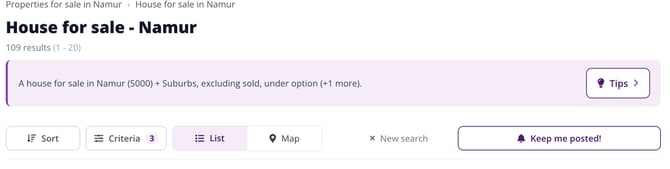
The « Tips » button, next to your search summary.
2. See where your search stands
At the top of the panel, a progress bar shows how many criteria you've set, out of five: transaction type, location, property type, number of bedrooms, and price. These are the five criteria that affect the results the most. The ones you've already chosen are listed under « Current search ».
3. Follow the suggestions
For every criterion still empty, Immovlan offers you a lead:
- Number of bedrooms: each value (1, 2, 3, 4, 5 and more) comes with the number of matching properties, and the most common value is suggested to you directly.
- Price range: three benchmarks calculated from the properties in your search — « Low », « Typical », and « High » — show you where the market stands, and a range covering the middle 50% of listings is offered with a single click.
Clicking a suggestion adds that criterion to your search. Your current filters are kept: nothing gets cleared.
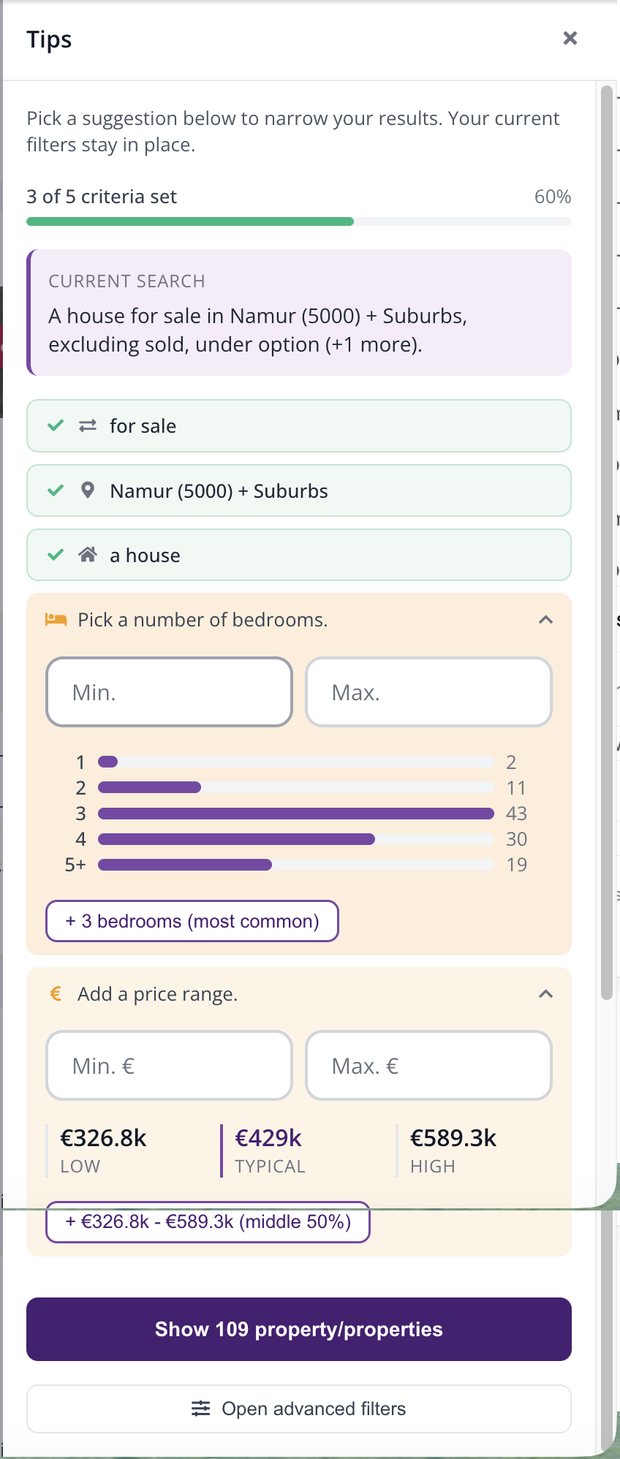
The panel's suggestions: number of properties next to each value, and the recommended price range.
4. Apply your choices
The « Show … property/properties » button at the bottom of the panel applies your suggestions and closes the window. The « Open advanced filters » link takes you to the full set of criteria, if you want to go further.
| Keep in mind: Tips are a helping hand, not a requirement. You can always set each criterion yourself from the results column: What search criteria are available on Immovlan? |
This article is part of the How do I search for a property on Immovlan.be? series, which presents the four ways to search for a property.