
Found a property you like and want to be able to find it easily later? Add it to your favourites in one click using the heart icon on every listing. One condition: you must be logged in to your Immovlan account.
| Before you start: log in to your account. If you click the heart while logged out, a "Log in" window opens, inviting you to sign in or create an account. That account is what stores your favourites and lets you find them again from any device. |
From a list of search results
On the search results list, click the heart icon in the top-right corner of the photo for the listing you're interested in. It turns red to confirm that the property has been added to your favourites.
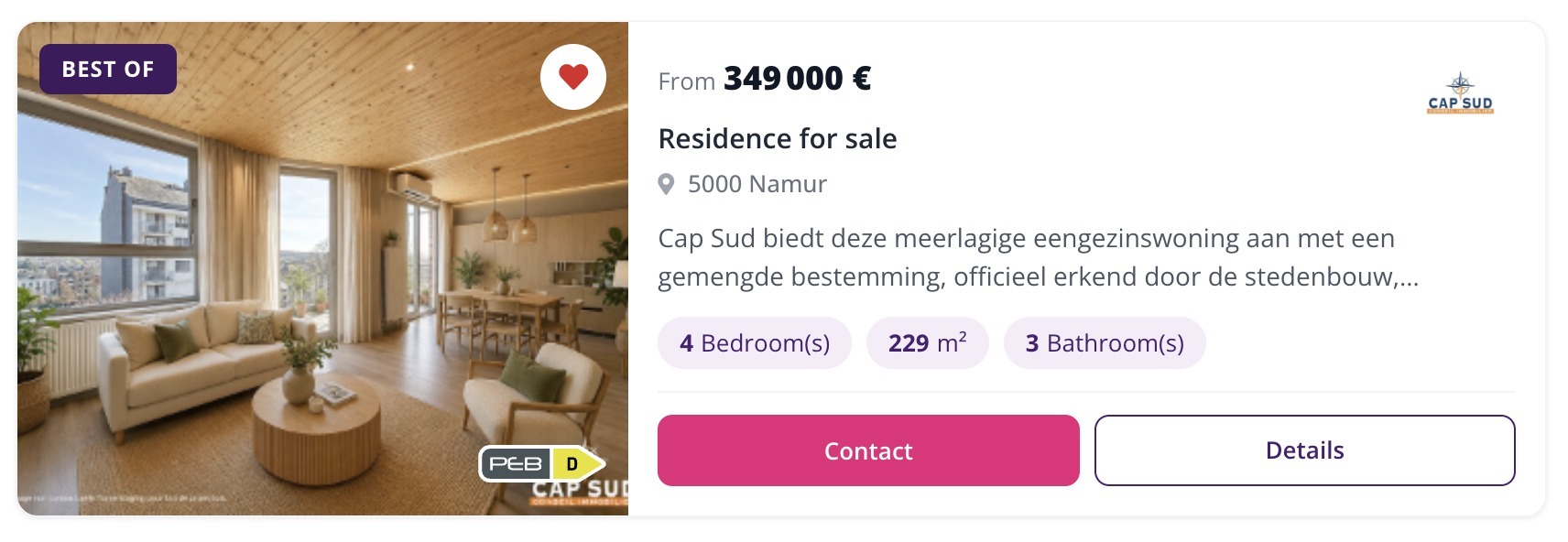
The heart icon in the top-right corner of the photo, on a listing in the search results list.
From a property's detail page
You can also add a property to your favourites directly from its detail page: click the same heart-shaped button, located in the top-right corner of the listing's photos.
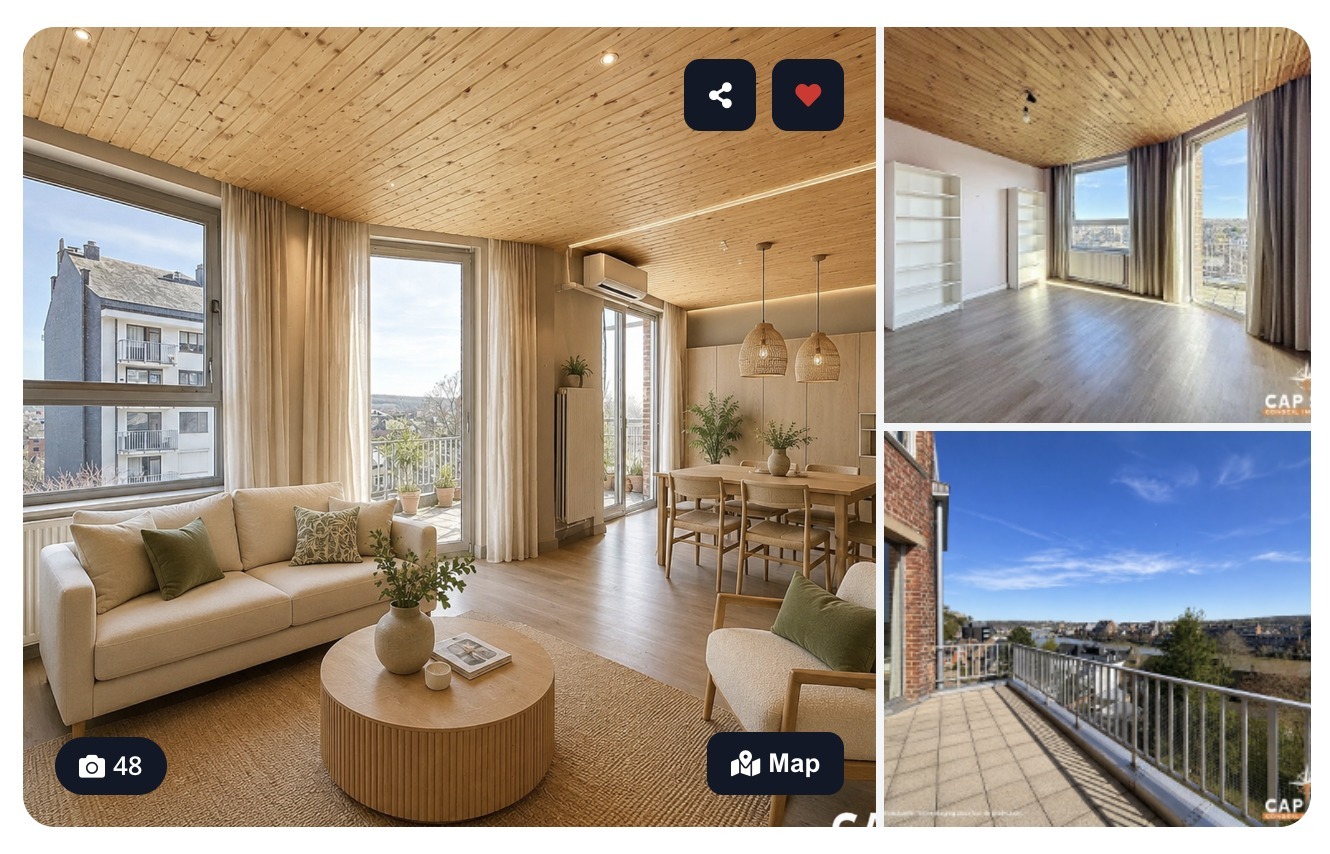
The favourites button, in the top-right corner of the photos on a property's detail page.
| Good to know: clicking a heart that is already red removes the property from your favourites. Because your favourites are tied to your account, you find exactly the same list on your computer, tablet, or phone. |
Thanks to your favourites, you can keep track of the properties you're interested in and compare them more easily when it's time to make your choice.