
Log in to your account
Click the profile icon in the top-right corner of the site, then click "My Immovlan" in the menu that appears.
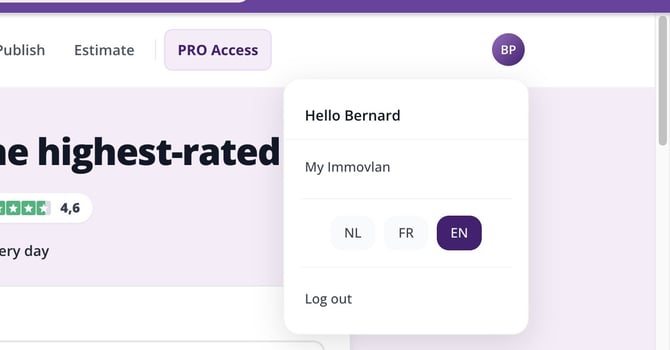
The account menu, accessible from the icon in the top-right corner of any page on the site.
Go to "My saved properties"
In the left-hand menu of your My Immovlan area, under the "My searches" section, click "My saved properties". There you'll find the full list of properties you've added to your favourites.
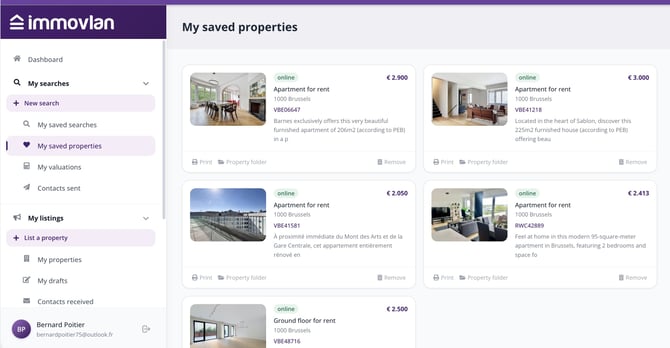
The "My saved properties" page, showing all the properties you've added as favourites.
| Good to know: to add a property to your favourites, click the heart icon on any listing. Find out more in our article "How do you save your favourite properties?". |