
1. You are logged in: change it from "My account"
Open your My Immovlan account. In the left-hand menu, under ACCOUNT, click "My account". The "Change my password" tab opens directly.
Enter your current password, then the new one twice, and click "Change password". The new password is active immediately.
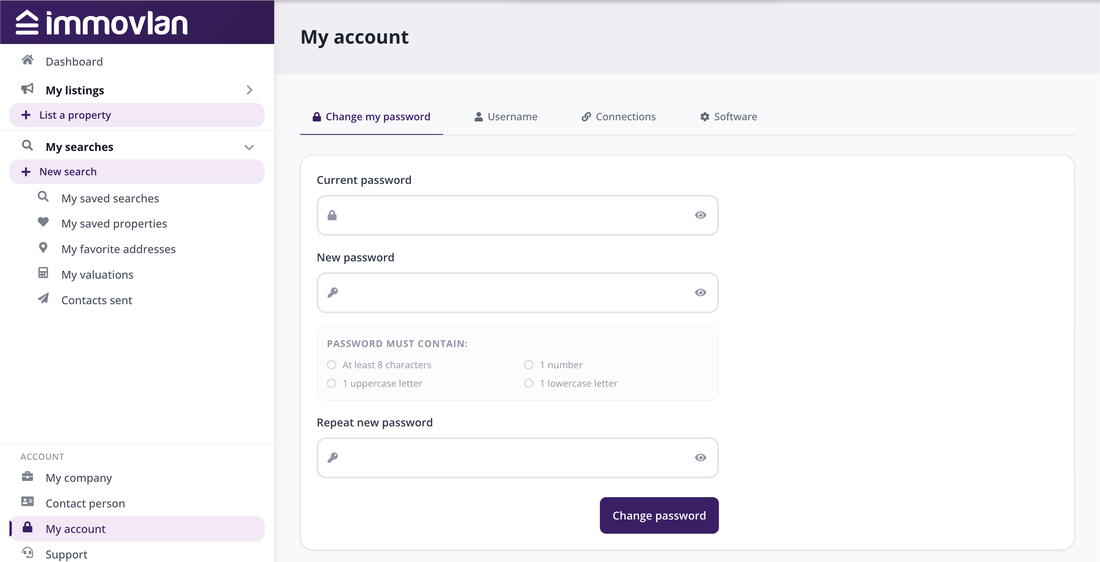
The "Change my password" tab of the "My account" page.
The password must contain at least 8 characters, including 1 number, 1 uppercase letter and 1 lowercase letter. The four conditions are ticked off as you type.
2. You can no longer log in: "Forgot password?"
From any page of the site, click the profile icon at the top right, then "Login". Below the password field, click the "Forgot password?" link.
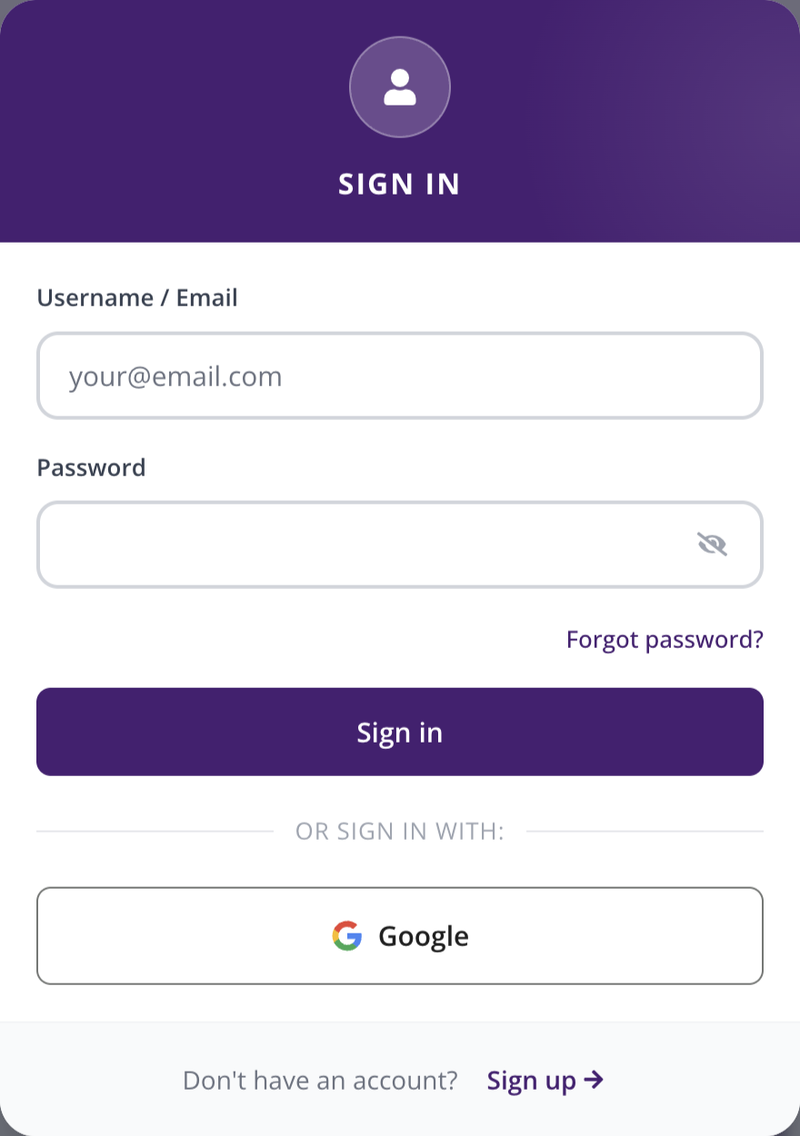
The login screen, with the "Forgot password?" link.
Enter your username or the email address of your account, then click "Send". You will receive an email containing a link: open it, choose a new password that meets the rules above, and log in with it.
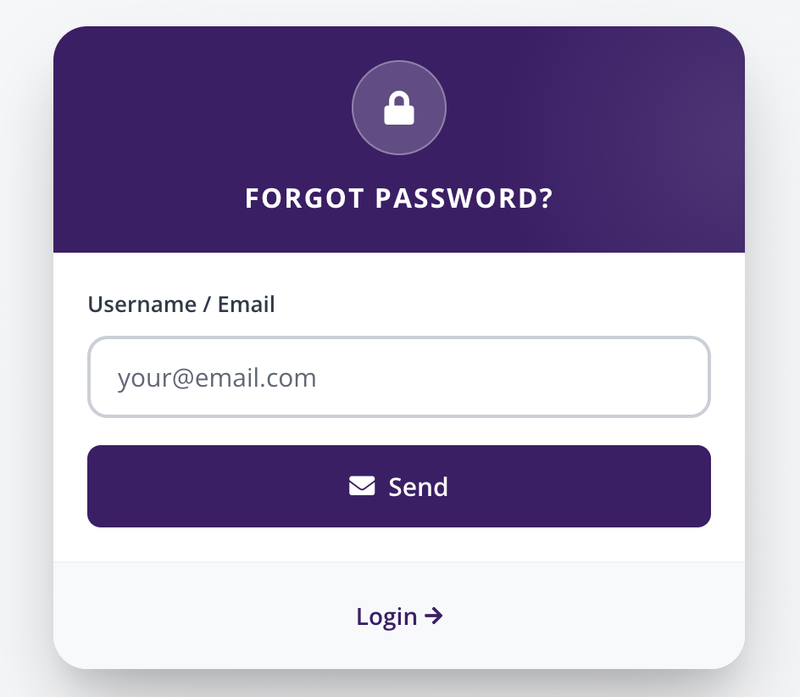
The "Forgot password?" page.
3. Your professional username
For a professional account, the identifier is a username assigned when your account was opened: it is not necessarily an email address. You can find it at any time in "My account", "Username" tab. If you have lost it, the professional support team can send it to you.
4. The reset email does not arrive?
- Check your spam folder.
- The email is sent to the contact address registered for your account: if it has changed, contact support.
- Professional support: supportprofr@immovlan.be (FR) or supportpronl@immovlan.be (NL). Attach a screenshot and a short description of the problem.
| Good to know: changing your password does not affect your username, your listings or your products. If you publish through real estate software (CRM), it keeps working as before. |