
Looking for a house, an apartment, or a plot of land? Immovlan gives you four ways to start a search. They all lead to the same list of properties, so pick whichever suits how you search, and switch between them whenever you like.
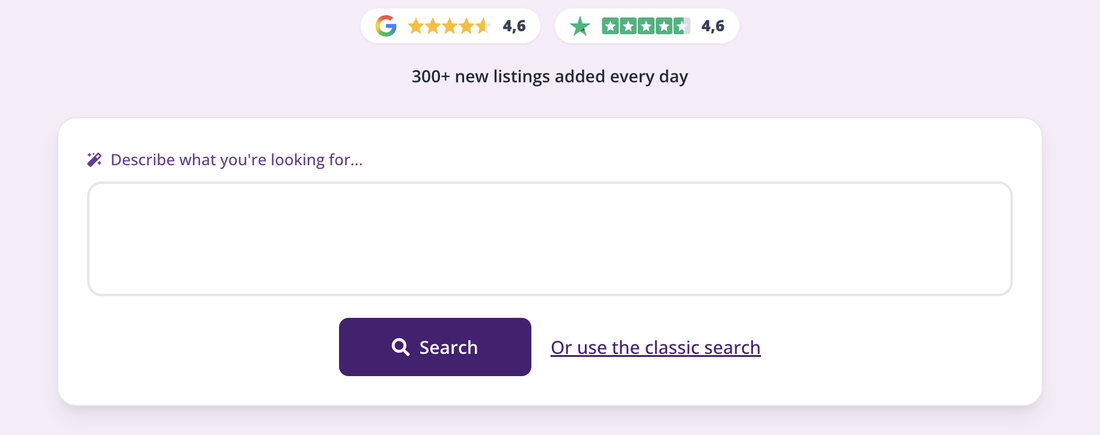
The search area on the homepage, the starting point for all four methods.
1. Describe what you're looking for, in one sentence
On the homepage, the "Describe what you're looking for..." field lets you write your project in your own words, just as you'd explain it to an estate agent. Immovlan turns your sentence into search criteria, asks you to confirm them, then shows the matching properties.
How do I search for a property by describing what I'm looking for?
2. Fill in the basic criteria
Below this field, the "Or use the classic search" link opens the usual form: for sale or for rent, property type, location, and price. It's the most direct route when you already know what you want.
How do I start a search with the basic criteria?
3. Search directly on a map
In that same classic search form, the "On map" button opens the map search. You draw the area you're interested in yourself and watch properties appear as you go. It's the ideal method when location matters more than anything else: a specific neighbourhood, or proximity to a school or a train station.
How do I search for a property graphically on a map?
4. Refine from the results list
However you started, the results page shows a column of criteria: number of bedrooms, price, EPC/PEB, garden, garage, and more, plus a "More criteria" button that gives you access to every filter. This is where most of the fine-tuning happens.
What search criteria are available on Immovlan?
| Tip: you're never locked into one method. From the results list, the "Map" button switches to the map view, and the "New search" link takes you back to a blank form. |
Good to know
- The "Tips" button, above the list, shows you which criteria are still missing from your search and offers number-backed suggestions: How do I refine my search with "Tips"?
- The "Keep me posted!" button emails you as soon as a new property matches your search.